
ViniVault/Organising
A vinyl catalogue instead of a spreadsheet
Spreadsheets hold titles. They are awkward with sleeves, pressings, and a phone in a shop. ViniVault is built for that job.
Where spreadsheets run out
A sheet can store artist, title, and price. It gets clumsy when you want the cover, the track list, and a check you can do with one hand in a shop.
Sheets also live in one file. Lose the file, or the laptop it was on, and the catalogue is gone unless you were careful with copies.
A spreadsheet is still a good checklist. Work down the rows, add each record in the app, and mark the row done. You do not have to throw the sheet away on the first day.
What the app does that a sheet does not
It keeps the sleeve with the pressing you chose, shows the tracks, and lets you search by a song. It keeps a wishlist separate from the shelf. It opens on your phone without emailing yourself a file.
Prices you already decided in the sheet can be typed onto the record, so a market guide does not overwrite them. A typed price, including zero for a gift, is the figure that counts.
How this works in ViniVault
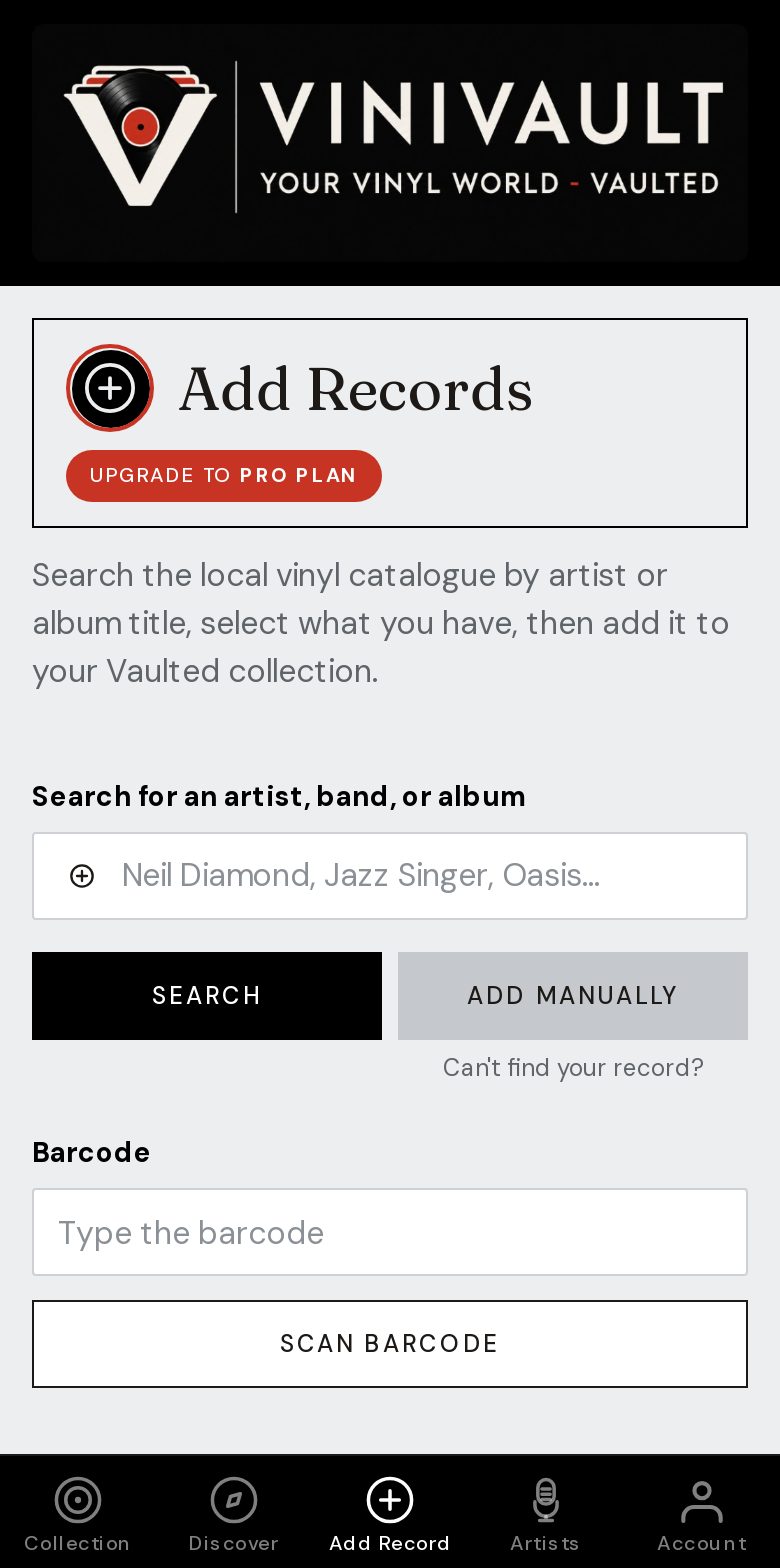
Add the records in ViniVault, using the sheet as the list you work through. If you still want a file, export CSV from Account. The shelf itself stays on your account.
ViniVault does not import an Excel file directly. The collection import is from Discogs. A spreadsheet remains your checklist while you add the records one by one.
Questions
- Can I leave the spreadsheet behind later?
- Yes. Use it as a checklist while you add records, then keep ViniVault as the shelf you open. Export a fresh CSV if you want a file again.
- Will I lose the prices I already wrote down?
- Not if you type them onto the record. A typed price replaces the market guide for that copy.