
ViniVault/Organising
Barcode your vinyl collection
A barcode is the fastest way through a pile of later pressings. ViniVault can look a record up from the barcode when the jacket has one.
When a barcode helps, and when it does not
Records from the last few decades often have a barcode. Older jackets, promos, and many 7-inch singles do not. Those still need a search by artist and album, or a line typed by hand.
A barcode identifies a product. It does not excuse you from looking. Glance at the pressing ViniVault offers, and keep the one that matches the label on the record in your hand.
If the barcode returns nothing, that is not a failed catalogue. It is a record that needs a name search or a manual entry. Forcing it onto a nearby commercial release will put the wrong sleeve on your shelf.
A fast pass, then a check
Barcode the pile that has barcodes, and leave the older crates for a name search. Mixing the two methods in one afternoon is normal. The shelf does not care how a record arrived.
A barcode on a compilation or a reissue can point at a different edition from the one you remember. The label, the country, and the catalogue number are the check. The barcode is only the shortcut.
How this works in ViniVault
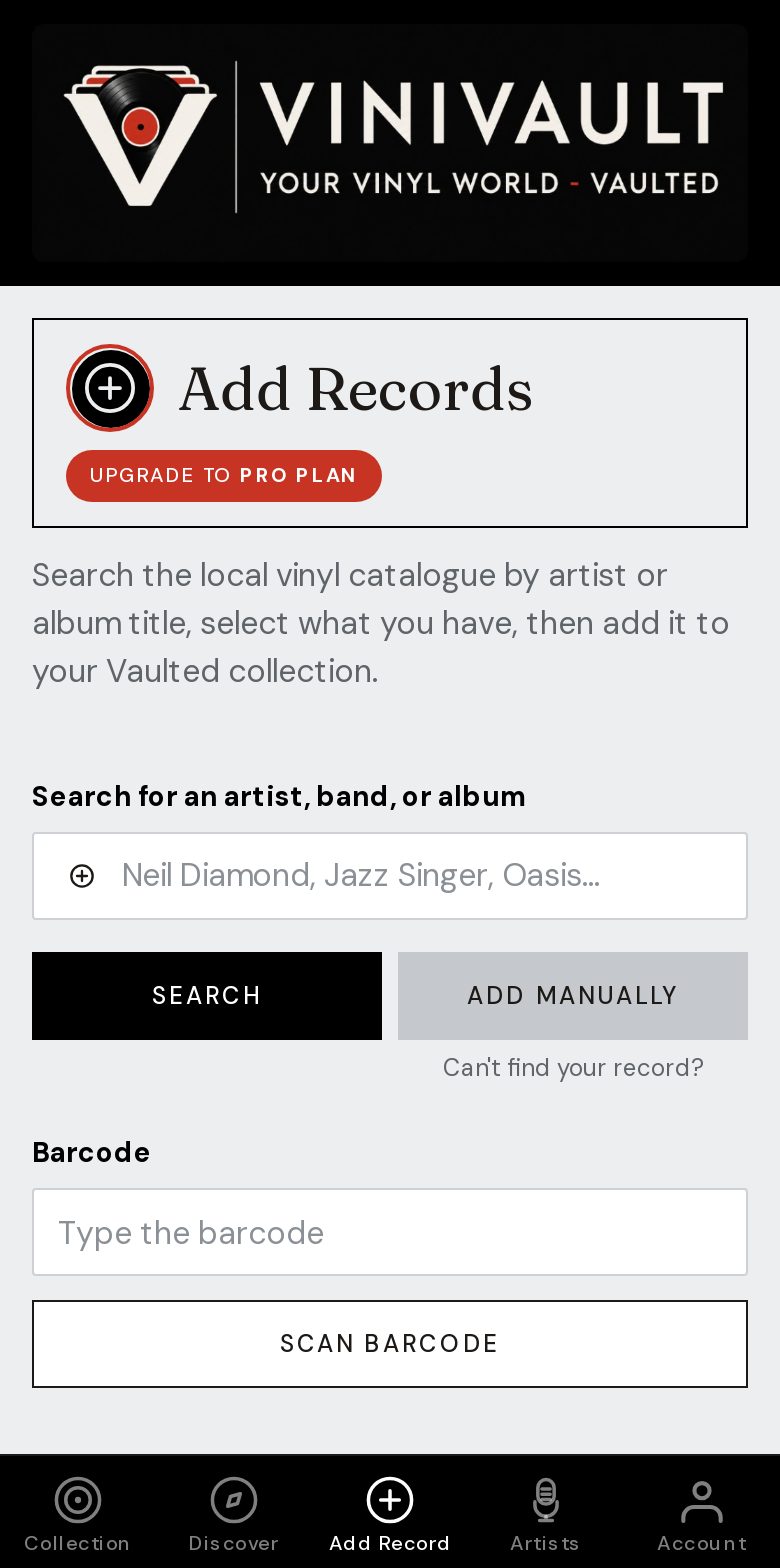
In Add Records, use the barcode lookup, then save the record. If nothing comes back, search by name or type it in. You can upload a photo afterwards if you want your own picture of the sleeve.
Records added by barcode sit on the same shelf as records added by hand. Export, search, and collection value treat them the same way.
Questions
- What about records with no barcode?
- Search by artist and album, or add the record by hand. Older vinyl, white labels, and many singles have nothing to scan.
- Should I trust the barcode without looking?
- No. Confirm the pressing matches the record you are holding, then save it.