
ViniVault/Organising
Add a vinyl record by hand
Some records are not in a search: private presses, white labels, odd compilations. ViniVault lets you type those in.
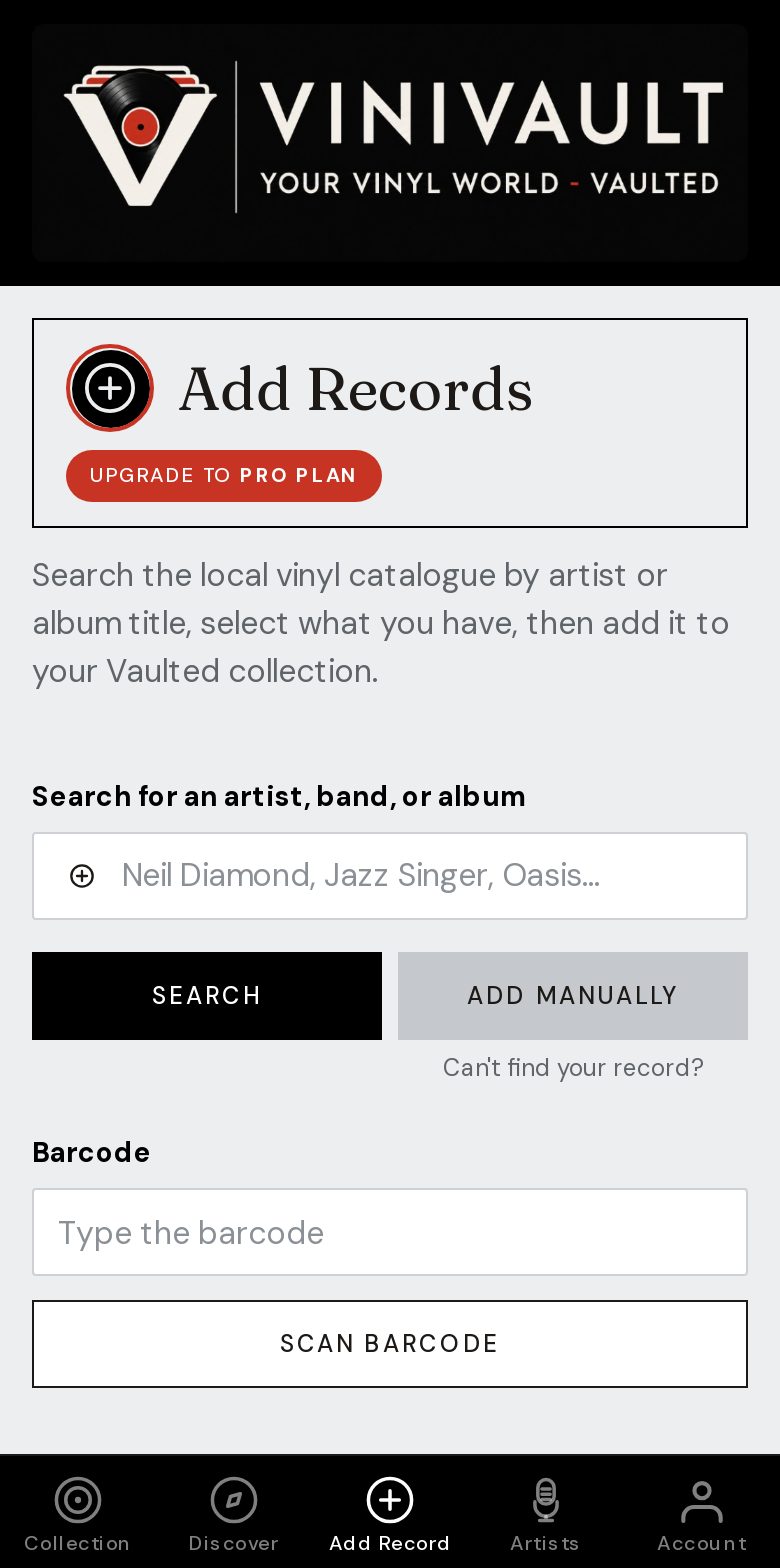
Type what is on the label
Use the artist and the title printed on the record you own. If the sleeve is missing or the label is handwritten, say so in a note. That sentence is what you will trust later.
A handmade entry is still part of the shelf. It can be searched, exported, and given a price. You can upload a photo of the cover, or of the label, so the tile is not blank.
Do not attach a handmade record to a commercial pressing it does not match. A wrong sleeve is harder to spot later than a plain one. A placeholder, plus your own photo, is the honest result.
When typing is the right method
Private presses, white labels, promos, foreign compilations, and records the search simply does not know. Also any copy where the search offers something close but not the object in your hand.
Type what you know and leave the rest blank. An unknown artist with a clear track title is a useful row. An invented catalogue number is not.
How this works in ViniVault
Choose manual add from Add Records. The record joins the same collection as the ones you found by search. Put promo, white label, or any other warning in the notes.
If you want that copy in the collection total, type a price. A market guide often does not exist for a one-off. A typed price, including zero, is the figure that counts.
Questions
- Can I add a photo of a record I typed in?
- Yes. Upload a sleeve, or a photo of the label, from the record's page.
- Will a handmade record show up in search?
- Yes. Search covers the collection, including records you typed in yourself.