
ViniVault/Apps
A vinyl library for the records at home
Some evenings you want to browse the sleeves and choose what to play. Some evenings you already know the title. ViniVault gives you both: the shelf, and a search.
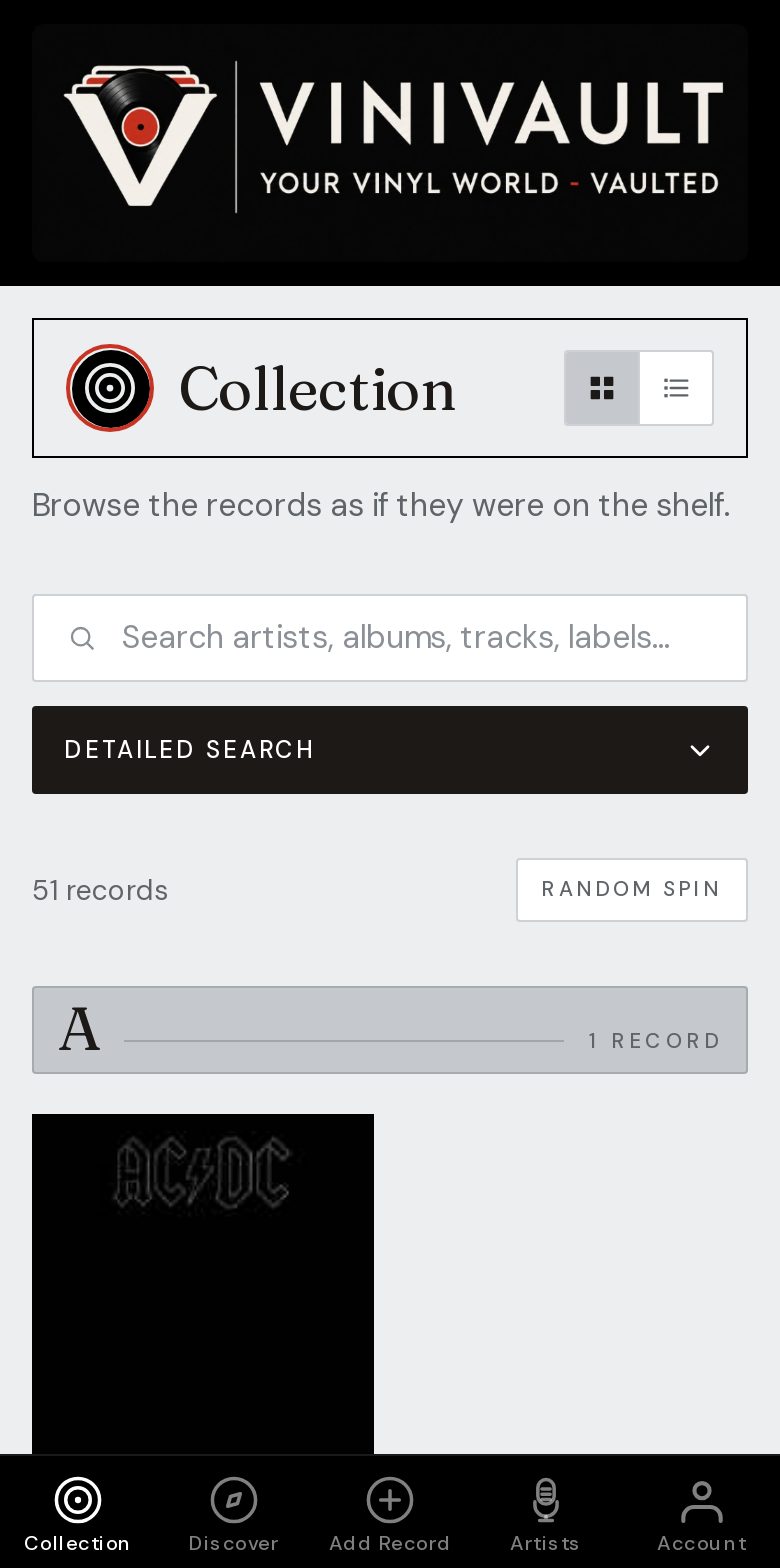
Browse, then search
Browsing is how you choose a record when you do not have a title in mind. Search is how you find one when you do. A wall of bare titles is a poor way to do either.
Sleeves make browsing possible. A list of bare titles does not feel like the records you own, and it is a poor way to choose what to play next.
A home library also includes the records you forget: the ones under the shelf, the singles in a box, the compilation you kept for a single song. If they are not in the catalogue, the library is smaller than the room.
Browsing and finding are different jobs
Browsing is the grid of sleeves. Finding is search by artist, album, or track, for the moment you already know what you want. Random Record covers the third mood, when you cannot decide at all.
Listening history then shows what you actually play, which is often a narrower set than the library you own. That is useful. A record you have not played in years is either a rediscovery or a candidate to move on.
How this works in ViniVault
The collection opens as sleeves. Search covers artists, albums, and tracks. Random Record picks one title from the records you own, not from the wishlist.
The library is the vault you are signed in to. It does not show anyone else's shelf, and yours is not published as a public profile.
Questions
- Does the library show other people's records?
- No. You see the vault you are signed in to. Each account has its own shelf.
- Can I find an album from a song title?
- Yes. Collection search includes the tracks stored on the record, which is how a song leads you back to a compilation or an album.