
ViniVault/Apps
A record collection app you open from your phone
When you can no longer remember every record you own, write them down somewhere you can search. ViniVault does that in the browser, and you can put it on your home screen.
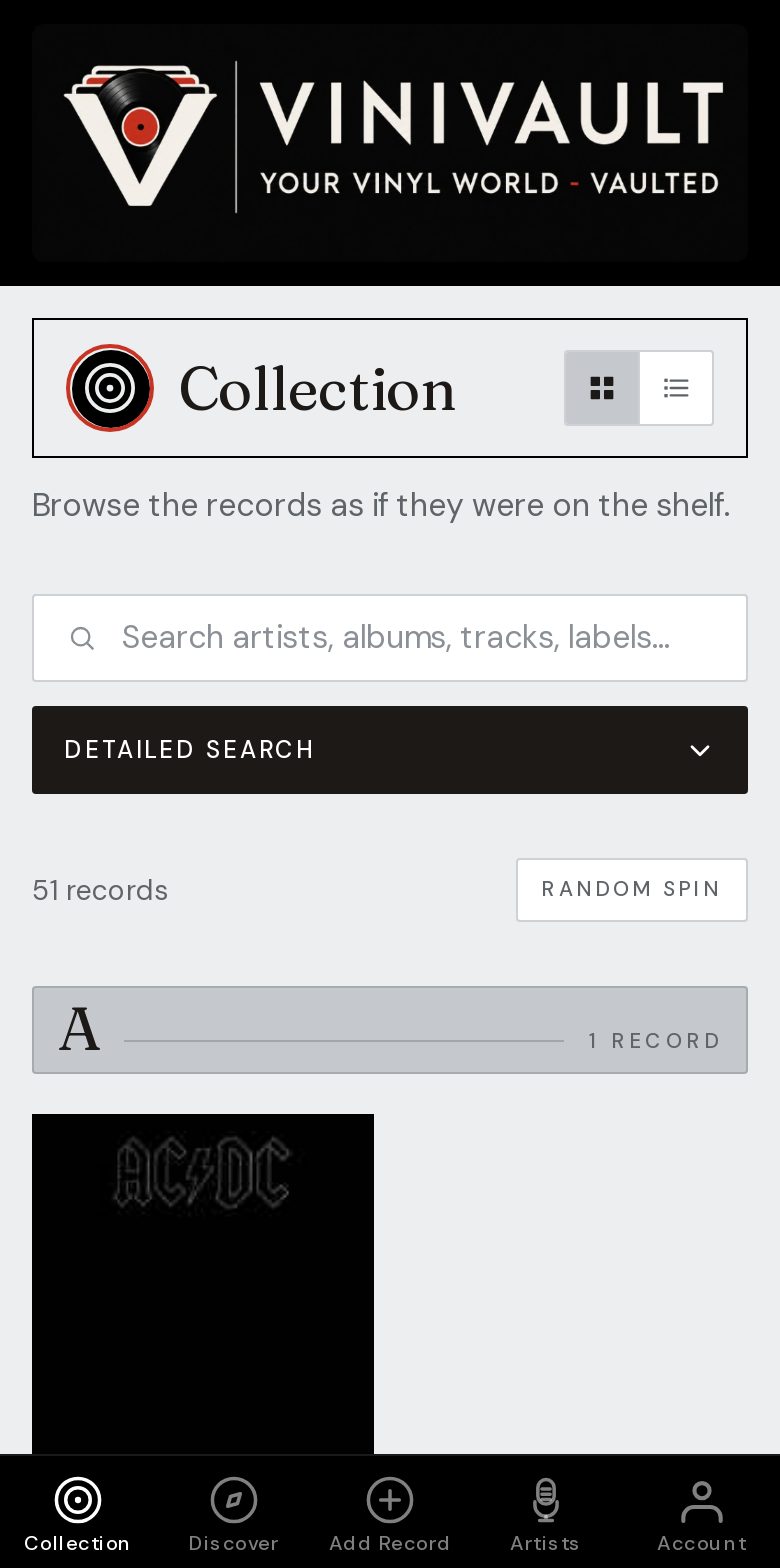
Use it where the records are
The useful moment is in a crate, not at a desk. You need the artist and the title in your pocket, and a way to check a record you are holding before you pay for it.
A collection app should also survive a new phone. The shelf lives on your account, so signing in on another browser brings the same records back.
It should cover the whole habit of collecting, not only a grid of covers. That means a wishlist kept apart from the records you own, a note on the copies that matter, and a guide to what the shelf is worth.
What you should be able to do on the day you buy a record
Add it by search, by barcode, or by typing it in when the search has no match. Save the pressing that matches the vinyl in your hand. Type the price you paid while you still remember the shop.
If the title looks familiar, check the shelf first. Do I own it? looks at the collection and the wishlist, which is the difference between a record you already have and a record you meant to buy.
How this works in ViniVault
Create an account, add the first few records, then use Do I own it? when a title looks familiar. Sign in from the button on this page.
After you sign in, add ViniVault to your home screen and it opens like the other apps on your phone. There is no separate download from an app store. The free shelf holds 100 records, and Pro is £1.99 a month for an unlimited shelf.
Questions
- Do I have to install it from an app store?
- No. It is a web app. Add it to your home screen after you sign in, and the same account opens on a computer.
- Will a new phone still have my records?
- Yes. Sign in with the same account. The shelf is not stored only on the handset.