
ViniVault/Apps
An LP collection app for albums you play
LP collectors want the album, the year, and the sleeve in one place. ViniVault catalogues the LPs you own without turning the shelf into a public profile.
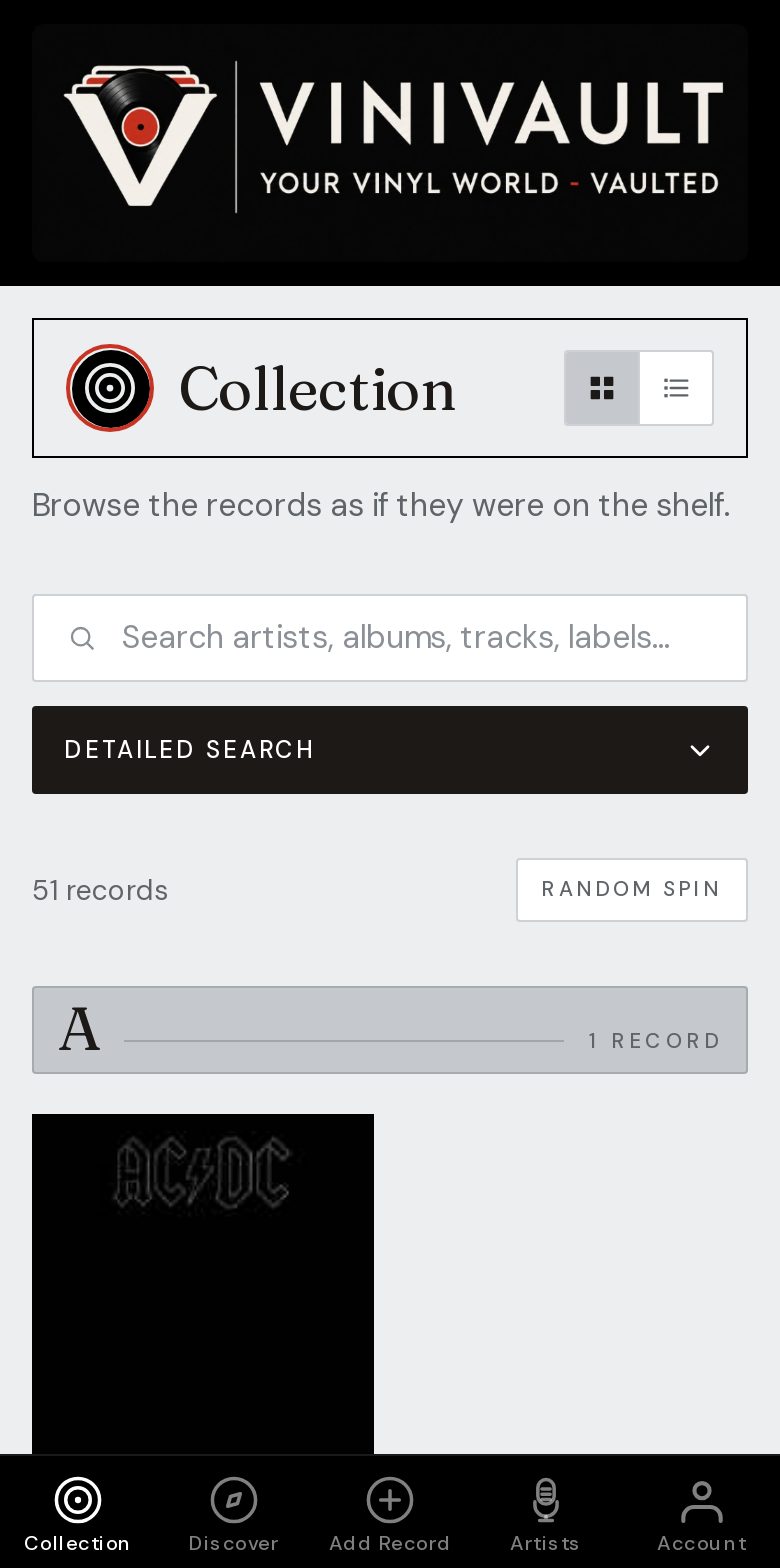
Albums first, details when you have them
Start with the artist and the album title. Add the year and the label when the jacket is in your hand. Condition can wait until you next play it.
An LP app is also where you keep the records that are not albums. The singles and EPs by the same artist belong on the same shelf, or you will search twice.
One copy is one row. A reissue and an original are two rows only when you own both. A gatefold, a poster, or a booklet is still the same album: mention it in the notes if it matters.
The copy in your hands, not the famous version
The year on the jacket and the year the album was first released are often different. Catalogue the copy you hold. If you are unsure of the pressing, choose the closest match and say so in the notes. You can correct it later.
Track lists sit on the album page, so you can see what is on each side without getting the record out. That matters for compilations, live albums, and any LP where you remember the song and not the title.
How this works in ViniVault
Search the album, save the pressing, and open it from the shelf. The sleeve saved for that record belongs to the pressing you picked. If there is no picture, you can upload your own.
Albums, singles, and EPs share the collection, so one search covers the artist. Statistics can then show the decades once a run of LPs is in.
Questions
- Will it only store 12-inch albums?
- No. Albums, singles, and EPs can all sit on the same shelf. The format can be mentioned in the notes.
- What if I own two pressings of the same album?
- Add both. They are different records. A single copy should only appear once.