
ViniVault/Apps
A record collection manager for a growing shelf
Once the shelf is too big to remember, you need to find a record, see what you paid, and know what is still missing. ViniVault keeps those together in one private account.
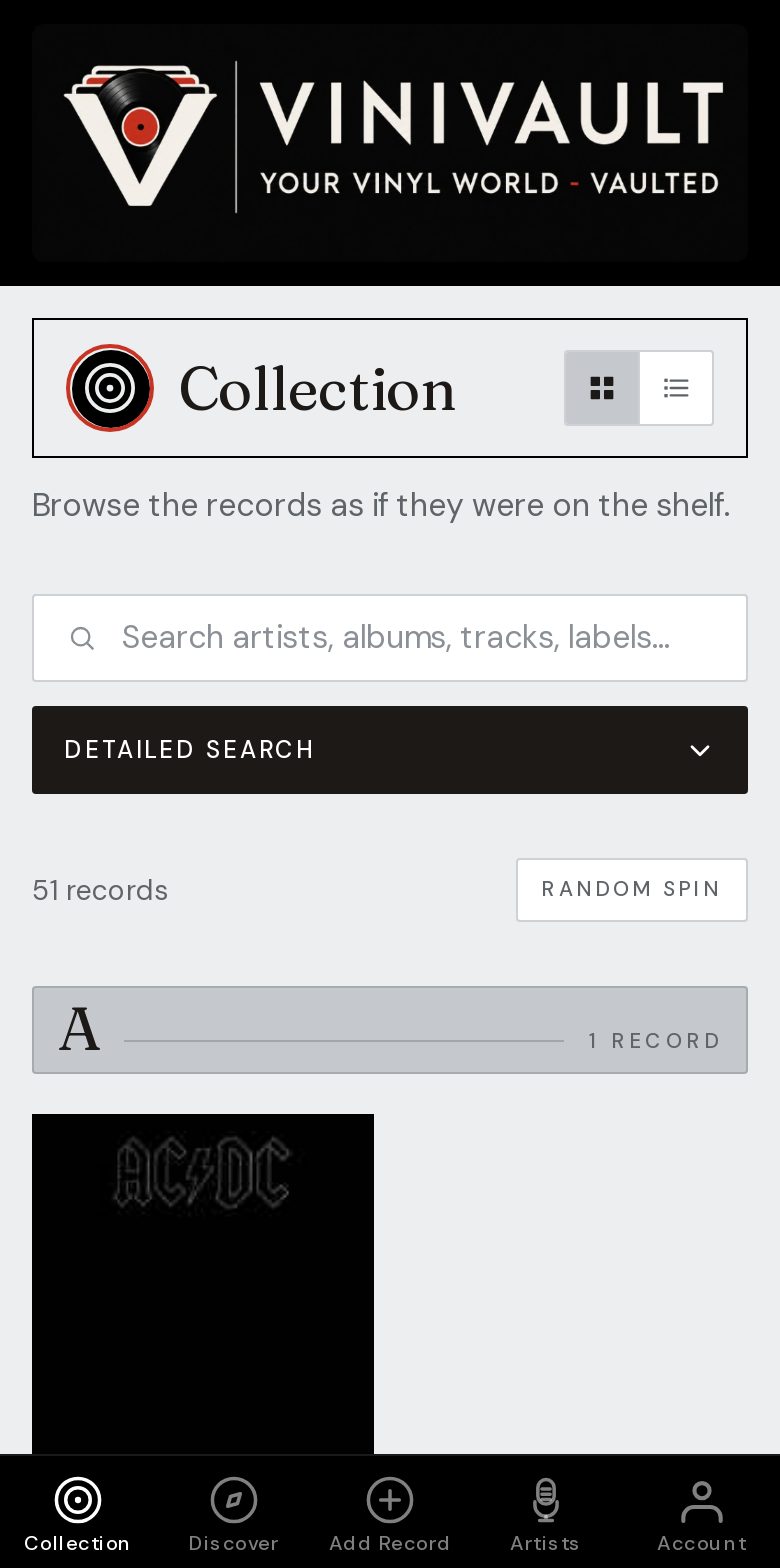
Manage the shelf, not a pile of notes
Once you pass a few dozen records, memory stops being a catalogue. You want search, a wishlist that is separate from what you own, and a note on the copies that matter.
Condition and the price you paid live on the record, so a later look at value starts from figures you entered, not from a guess.
Managing is not the same as filing the spines. You can keep the physical shelf in any order you like. The app is the index you search when the spine is not enough.
The jobs a manager should take off your mind
Find a record by artist, album, or a song on it. See what you paid. Know which titles you are still hunting. Notice the copies that are scarce, and the ones you keep lending out.
None of that needs to be public. Prices, loans, and listening notes are the sort of detail most collectors would rather keep in their own account.
How this works in ViniVault
Each record has a page for notes, condition, and the price you typed. The wishlist stays off the shelf. Statistics shows the shape of the collection, including a guide to its value.
A typed price is the figure used for that record. Where you have not typed one, ViniVault uses a middle Discogs asking price for a Very Good, Very Good Plus, or Near Mint copy, and can use recent eBay sales when Discogs has nothing usable. The total is a guide, not a promise of what a shop would pay.
Questions
- Can I manage singles as well as albums?
- Yes. Add the record you own, whether it is an album, a single, an EP, or a compilation. They share one shelf so a search covers all of them.
- Do I have to reorganise the physical records?
- No. The app is the catalogue. The shelf can stay alphabetical, by genre, or in the order you play them.