
ViniVault/Apps
Vinyl collection software for a private shelf
Vinyl collection software should remember your copy, not a generic listing. ViniVault stores the pressing you picked and the sleeve that goes with it.
Software that matches the way you collect
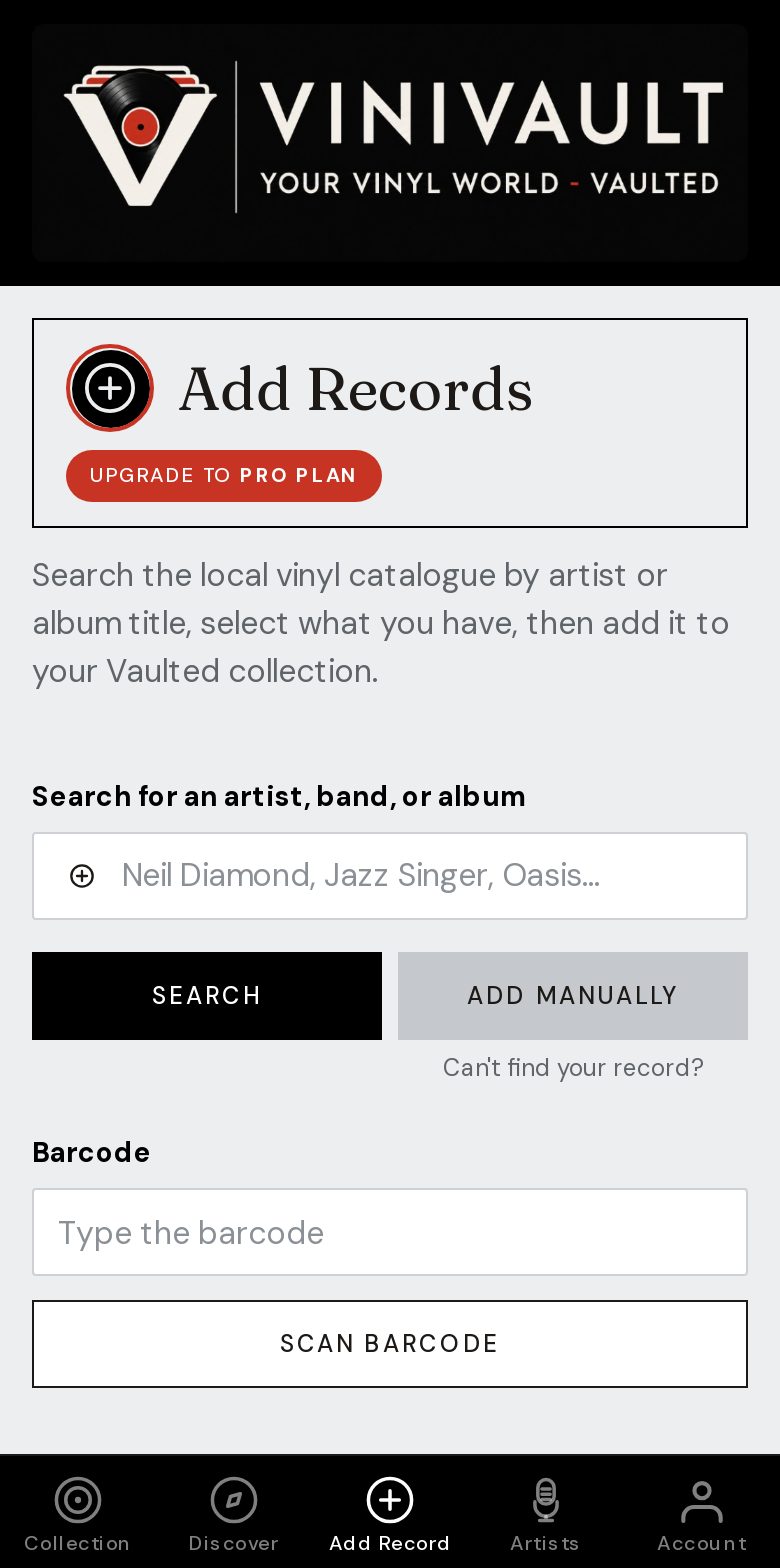
You add a record when you buy it, or you sit down and work through a pile. Both should be possible: search, barcode, or typing the details yourself.
The software should not publish the shelf. A lot of collectors want a catalogue without a public collection page, especially once prices and personal notes are on the records.
Good software also refuses a wrong sleeve. The picture should belong to the pressing you picked. A cover borrowed from a different album is worse than a blank tile. You can upload your own photo when you want the exact jacket.
Built around the copy, not a generic album
Search results often offer several pressings. The right one is the record in your hand: the label, the country, the catalogue number. Save that, and the sleeve and the track list stay with it.
Records the search cannot find still belong in the collection. Private presses, white labels, and odd compilations can be typed in, with a photo of the label if that is the only identification you have.
How this works in ViniVault
Add Records takes a search, a barcode, or a manual entry. The vault is private. Discogs import is there if the collection already lives somewhere else, and it does not change your Discogs collection.
A free account holds 100 records, including sleeves, search, a wishlist, and import up to that line. Pro is £1.99 a month when you need to keep adding.
Questions
- Can I type a record the search misses?
- Yes. Add it by hand from Add Records. It joins the same shelf as the records you found by search.
- Will the sleeve be from a different album?
- No. The sleeve is for the pressing you chose. If that pressing has no picture, you get a placeholder, or you upload your own.