
ViniVault/Phone
Put your vinyl collection on the home screen
You do not install ViniVault from an app store. Open it in the browser, add it to your home screen, and it opens like an app. The records stay in your account.
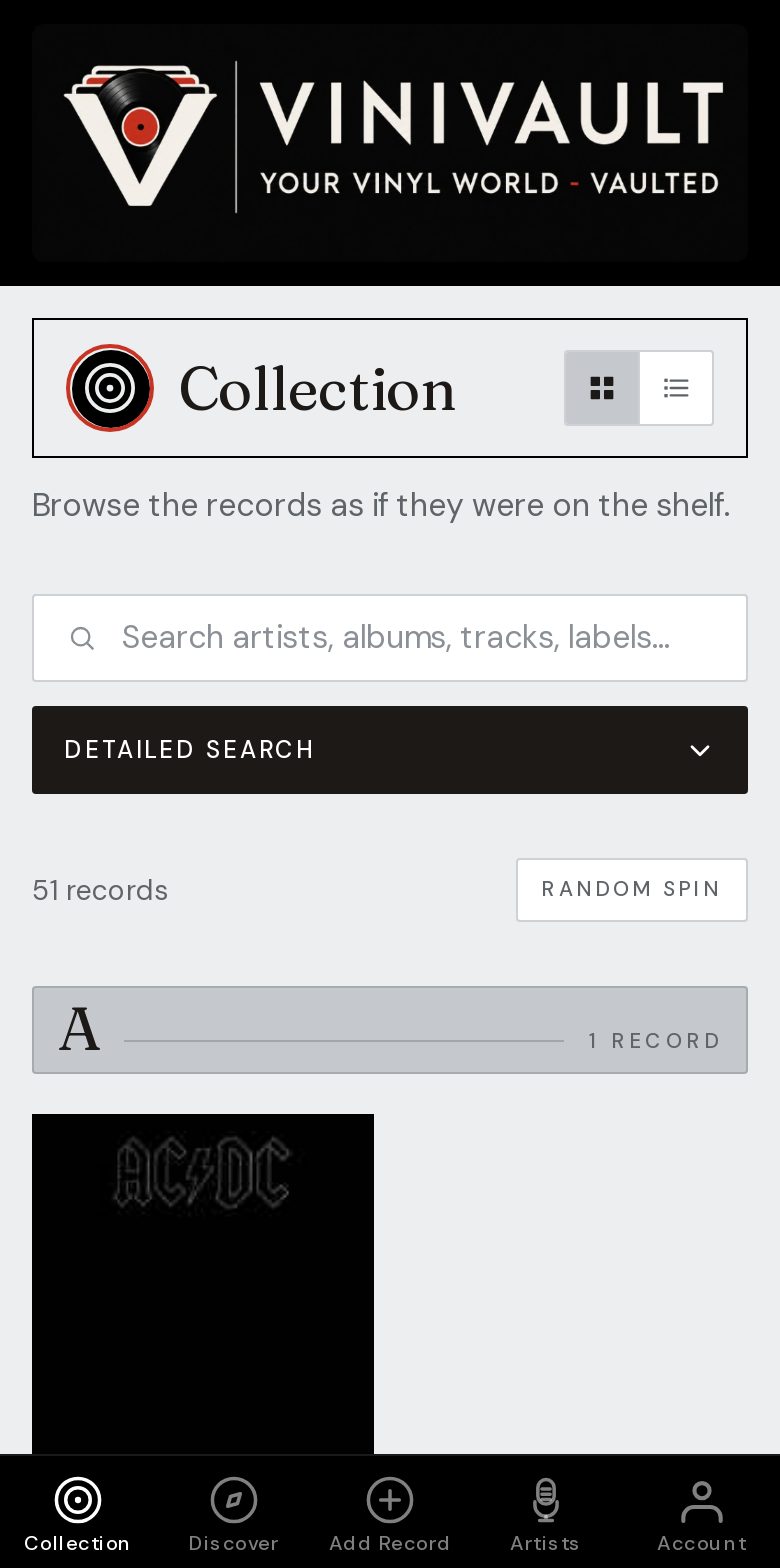
One account, on the phone you already have
You get updates when you open the site, and you are not tied to one make of phone. The records live in the account. Change phones, or use a computer, and sign in to the same shelf.
You still need a connection when you add records and look up prices. Open ViniVault before you walk into a basement shop or a crowded fair, so the shelf is already on screen if the signal drops.
There is no second program to install, and no second copy of the collection stored only on the phone. The home-screen icon opens the same shelf you see in the browser.
What you do with it
Catalogue from Add Records, by search, barcode, or by hand. Keep wants on the wishlist. Check Do I own it? before you pay. Read Statistics when you want the size of the shelf, the value guide, and how many records you are still hunting.
The public pages explain the product. The signed-in shelf is private. Adding the icon does not publish your collection.
How this works in ViniVault
Sign in, add ViniVault to the home screen, and catalogue from Add Records. On iPhone that is Share, then Add to Home Screen, in Safari. On Android it is the browser menu. The public site and the signed-in shelf are the same address.
The free shelf holds 100 records. Pro is £1.99 a month when the shelf needs to grow past that. The icon is the same either way.
Questions
- Is this a real app if it is not in an app store?
- It opens from a home-screen icon, like the other apps on your phone. The records are in your account, so they are not trapped on one handset.
- Do I have to update it from a store?
- No. Open the site and you are on the current version. There is no store listing to wait for.