
ViniVault/Phone
Add your vinyl catalogue to the home screen
Add ViniVault to your home screen and it opens like the other apps on your phone. Do this after you have signed in, so the icon opens your shelf.
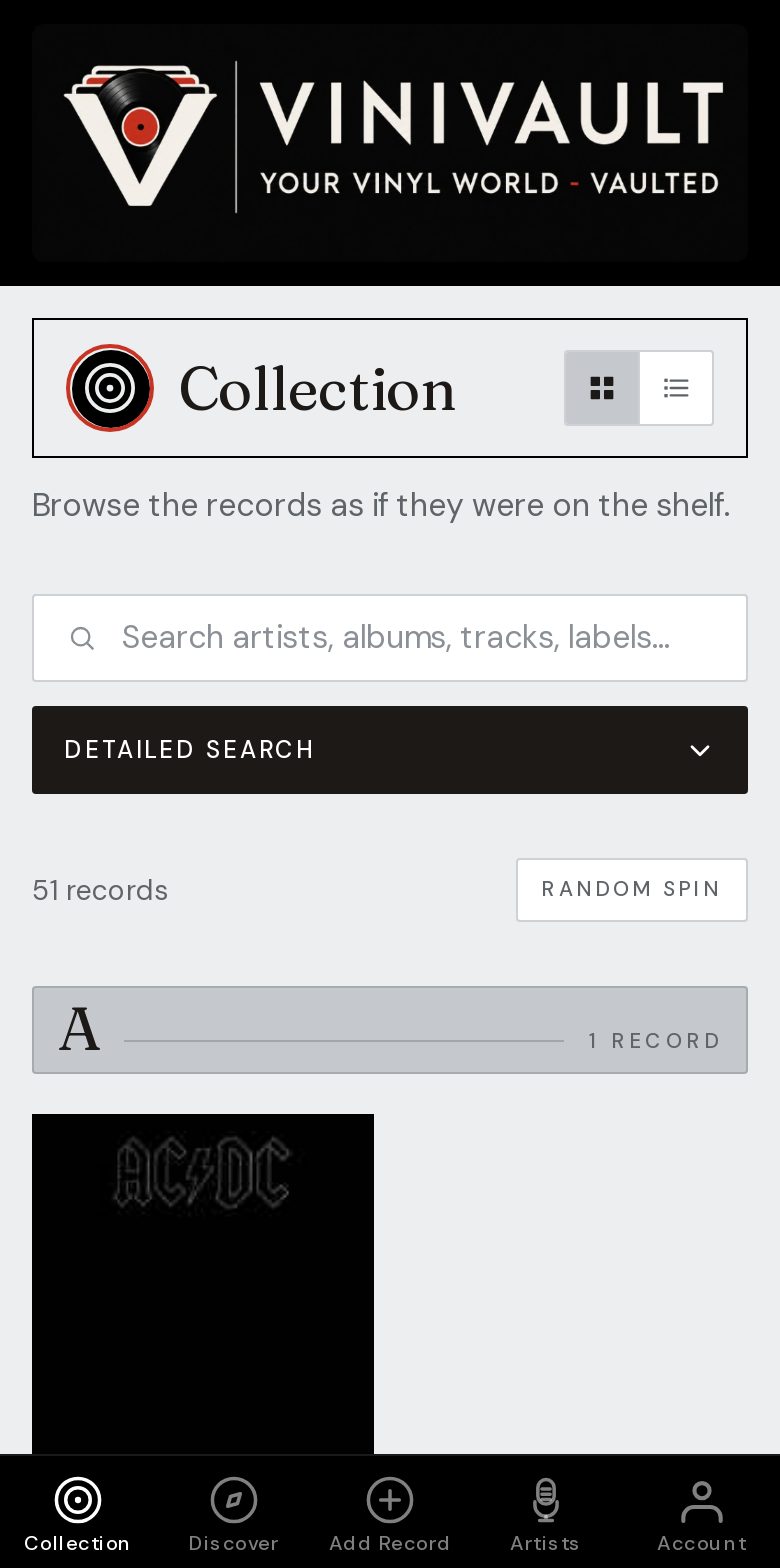
Do it once, after you sign in
Sign in first so the icon opens the shelf, not a logged-out page. On iPhone, in Safari, use Share, then Add to Home Screen. On Android, use the browser menu and Add to Home screen.
The icon uses the ViniVault mark. You can keep the browser tab as well. Both open the same account. The icon is simply the one you will actually tap in a shop.
Do it once. You do not repeat it for each record, and you do not do it again on the same phone unless you remove the icon. A second phone needs its own icon, and the same sign-in.
What the icon is, and what it is not
It is a home-screen shortcut to the web app. It is not a separate copy of the collection stored only on that phone. Delete the icon and the records remain in the account. Sign in again and they are there.
It does not need an app store, and it does not add a charge. The free shelf is still 100 records. Pro, if you need a larger shelf, is still £1.99 a month for the account, not for the icon.
How this works in ViniVault
Create an account or sign in, then add the site to the home screen. The next time you are in a shop or at a fair, open it from the icon and check the shelf before you pay.
If the icon opens a signed-out page, you added it before signing in. Sign in, and add it again from the page you see once you are in.
Questions
- Does adding it cost extra?
- No. The home-screen icon is part of using the site. It is not a second plan.
- Can I put it on more than one phone?
- Yes. Add the icon on each phone and sign in with the same account. There is one vault.