
ViniVault/Phone
A vinyl collection app on Android
On Android, ViniVault opens in the browser and can be added to the home screen. The collection is the same account.
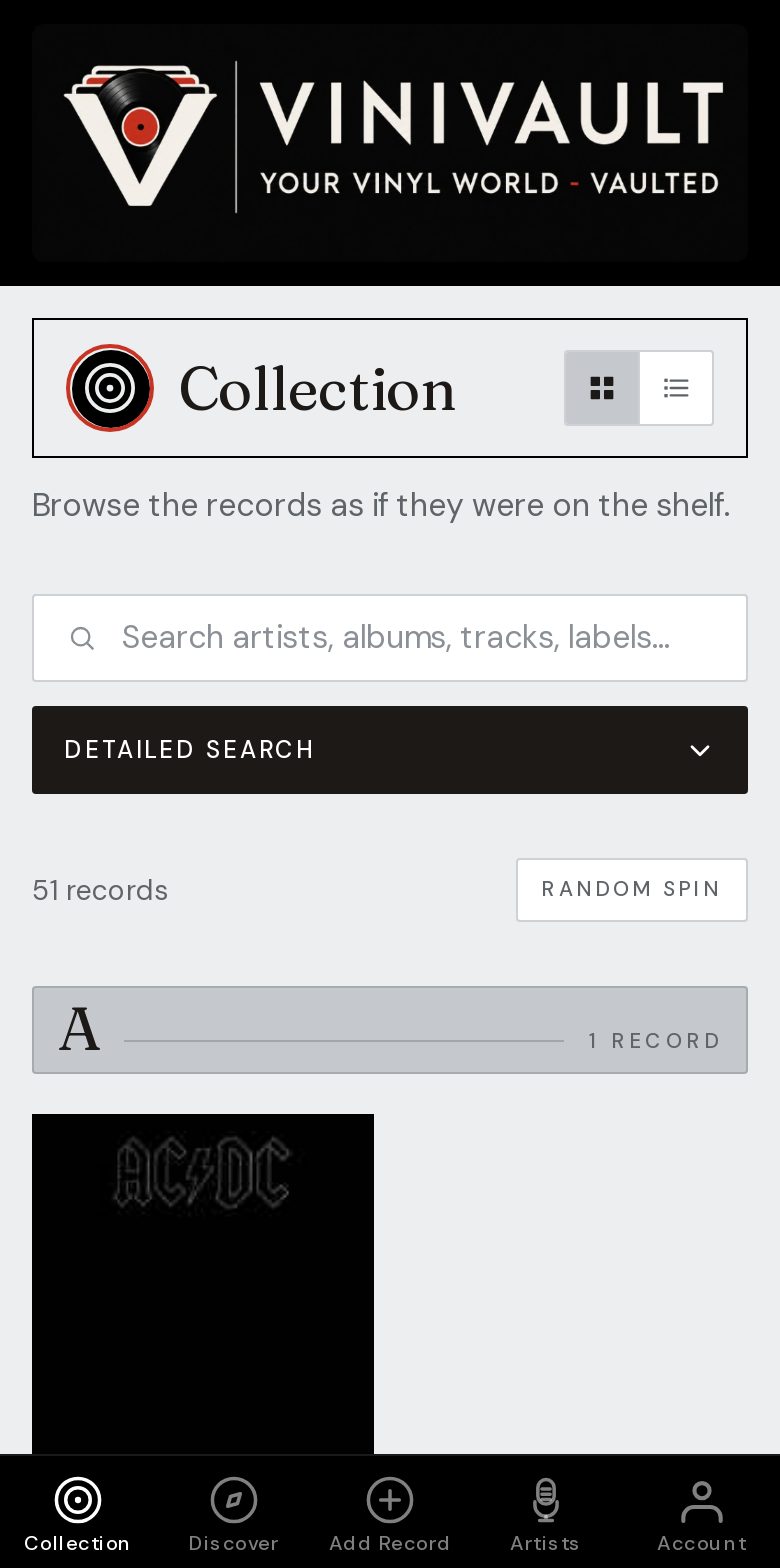
Home screen, same vault
Add to Home screen in Chrome after you sign in. It then opens like an app, which is what you want in a shop: the shelf, not a row of browser tabs.
You can also use it on a computer. The records do not stay stuck on one handset. Sign in with the same account and the shelf is there, including notes, prices you typed, and the wishlist.
There is no separate Android download and no separate iPhone download. It is the same vault. A household with both kinds of phone does not need two catalogues.
Use it where you buy records
Check Do I own it? before you pay, and keep the wants on the wishlist so they are not mixed into the records you own. Add a new record the same day, with the price you paid, while the shop is still fresh.
A weak signal is the usual problem, not the phone. Open ViniVault before you go into the shop, while you still have a connection, so the shelf is ready.
How this works in ViniVault
Sign in, then use the browser menu to add ViniVault to the home screen. Add Records and the wishlist behave the same as on the desktop site. Search, barcode, or a typed entry all land on the same shelf.
The free shelf holds 100 records. A larger collection is Pro, at £1.99 a month, on whichever phone you use.
Questions
- Is it a different app from the iPhone version?
- No. It is the same vault in the browser. An iPhone and an Android phone signed into one account see one shelf.
- Will an Android update wipe the collection?
- No. The records are in the account. Sign in again if the phone is new, and the shelf comes back.