
ViniVault/Phone
A vinyl collection app on iPhone
On an iPhone, ViniVault lives in the browser and can sit on the home screen. You sign in to the same vault.
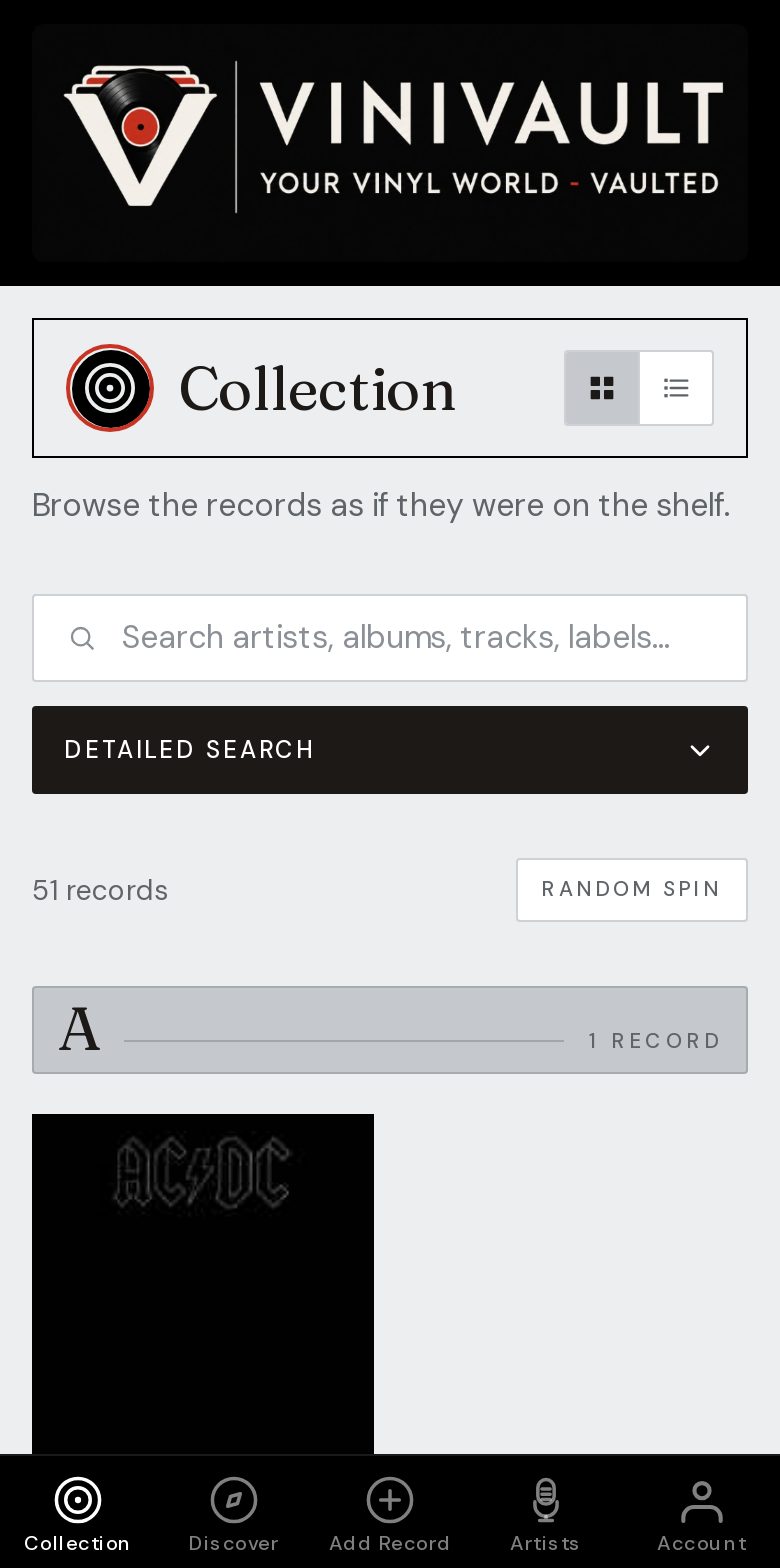
Add it, then it opens like an app
You do not need a separate install from an app store. Open ViniVault in Safari, sign in, then use Share and Add to Home Screen. The icon then opens the shelf, which is what you want in a shop.
The shelf is your account, not the phone. A new iPhone signs in and shows the same records, the same wishlist, and the same notes. Nothing has to be copied across by hand.
Sign in before you add the icon, so it opens the vault and not a logged-out page. You can keep the browser bookmark as well. Both reach the same account.
What the phone is for
Use it to check whether you already own a record, to read the wishlist, and to add a purchase while you still remember the price. A larger cataloguing session is often easier on a computer, and it is the same sign-in.
Adding a record and looking up a price need a connection. If you are heading into a basement or a busy fair, open the app while you still have a signal, so the shelf is already on screen.
How this works in ViniVault
Create an account or sign in, in Safari. Then Share, Add to Home Screen. The wordmark is the icon. Add Records is where the shelf starts, by search, barcode, or by hand.
One account covers the phone and the computer. You do not take out a second subscription for the second screen.
Questions
- Will my records stay if I change phones?
- Yes. Sign in on the new iPhone with the same account. The vault is not stored only on the old handset.
- Do I need the App Store?
- No. Safari and the home-screen icon are the install. There is no separate download.