
ViniVault/Phone
Keep a vinyl collection in the browser
Open your collection in the browser, on a phone or a laptop. There is nothing to install from an app store. The same account is the shelf on either screen.
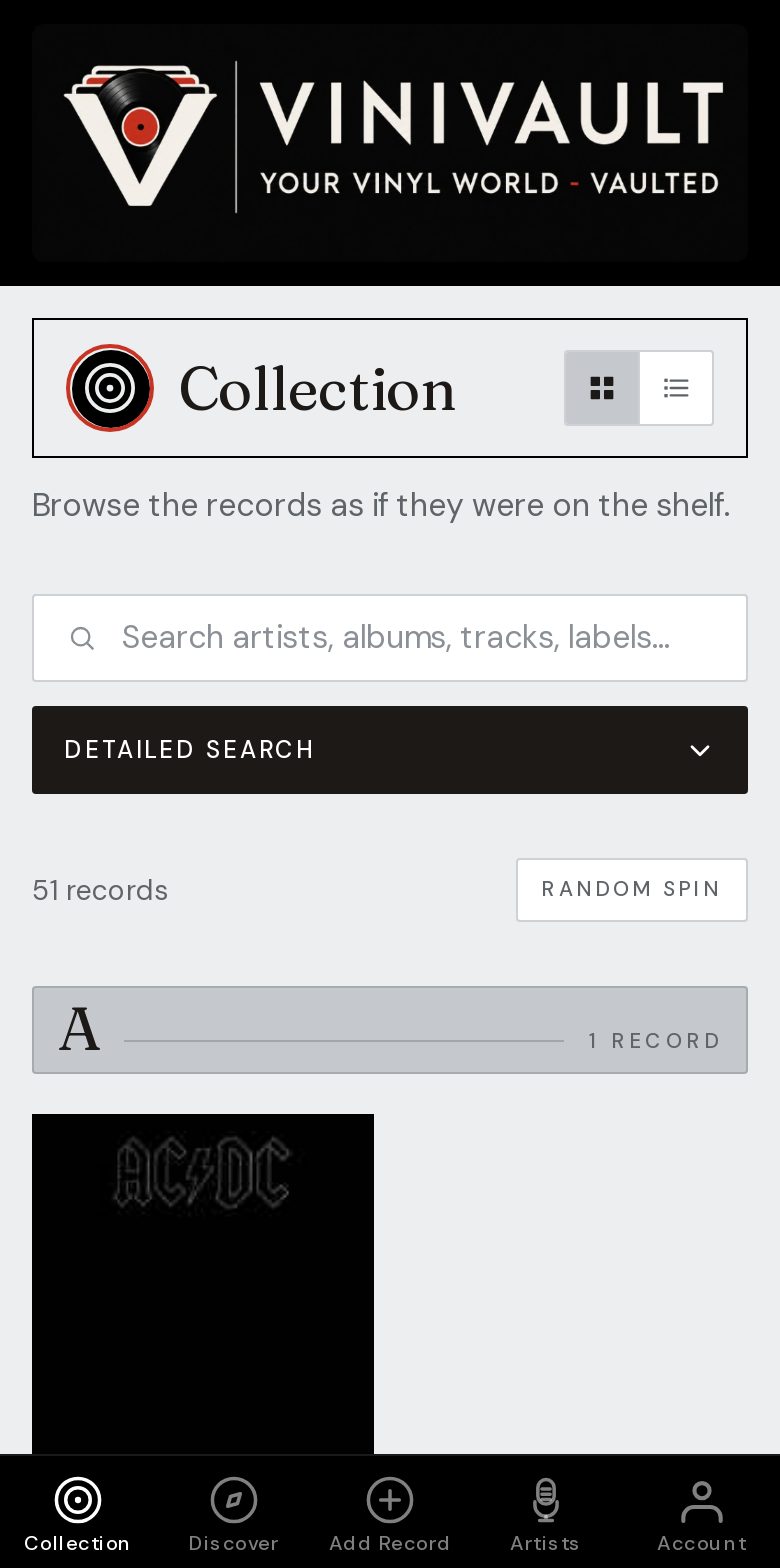
Sign in, and the shelf is there
Bookmarks lose to a home-screen icon, but both reach the same account. Use whichever you will actually tap. The records do not care which one you chose.
The private part starts after sign-in. The public pages, including this one, explain the app. They are not your shelf, and they are not a public profile of your collection.
You do not wait for an app-store listing, and you do not keep an old copy of the app on the phone. When you open the site, you are on the current version. The records stay in the account.
One sign-in, two kinds of screen
The phone is for the shop, the fair, and the quick check. The computer is for a long session: a Discogs import, a careful pass through condition notes, an export of the CSV. Same account, either screen.
You need a connection to add records and to look up prices. The shelf you already opened can stay on screen if the signal drops, which is why it is worth opening the app before you walk into a basement.
How this works in ViniVault
Use Create account or Sign in. The collection, wishlist, and statistics are inside the account. Add the site to your home screen if you want an icon that opens like an app.
Each collector has their own vault. A shared computer does not merge two shelves. Sign in as yourself.
Questions
- Does it work on a computer as well as a phone?
- Yes. Same account, either screen. You do not keep a second copy of the catalogue for the laptop.
- Are the public pages my collection?
- No. They explain ViniVault. Your records appear after you sign in, and they stay in your account.