
ViniVault/Shelf
Stats for a vinyl collection
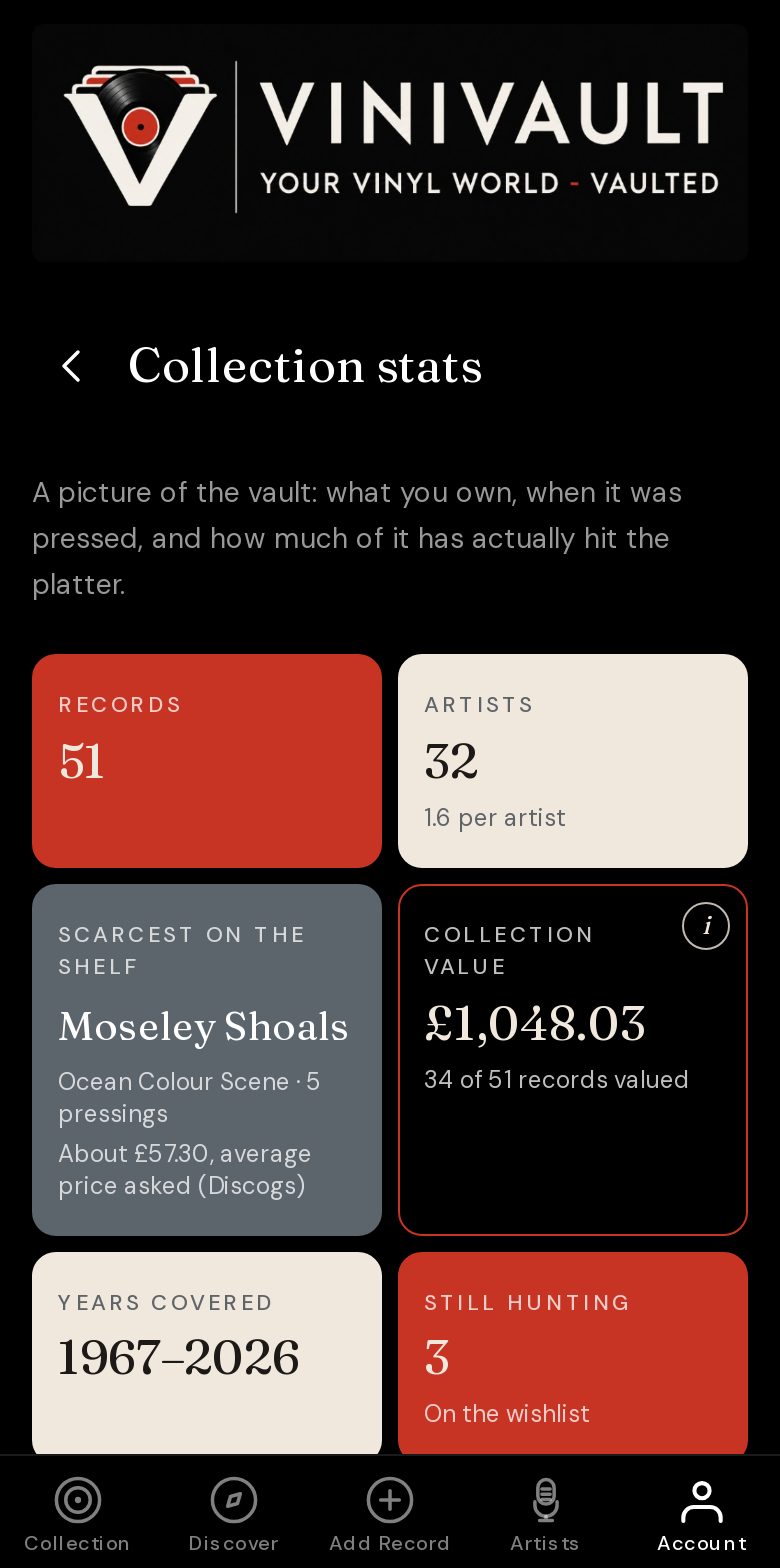
Stats turn a shelf into a picture: how many records, which decades, which genres, what you play. ViniVault puts that on Statistics.
Counts after the catalogue exists
Stats are only as good as the records you added. A half-catalogued shelf tells you about the half you typed in. Finish the rack if you want the decades and the genres to describe the room, not the weekend you started.
Value, scarcest record, and still hunting sit with the counts, so the page is about the collection rather than a chart for its own sake. The numbers are a way back into the shelf.
A count of records is the simple one. The value line is a total, with a count of how many records are included, because some copies may still be waiting for a price. Read both. A sum with no count is how a partial shelf gets mistaken for a complete one.
What belongs with the collection
Genres, decades, ratings, and what you play most are the shape of the records you own. Still hunting is the exception: it counts the wishlist, so you can see the size of the want list without mixing those records into the shelf.
Ratings are your scores. They do not change the price guide. Plays do not change it either. The value uses the price you typed, or a market guide, and it ignores the records you do not own.
How this works in ViniVault
Open Statistics once you have records in the vault. Use it to see the size of the shelf, the guide total, and where the collection leans. Then open the list behind any figure that surprises you.
The page is private. It is not a public profile of your taste, and it is not a valuation you can hand to a shop as an asking price.
Questions
- Do stats include the wishlist?
- Still hunting counts the wishlist. The other totals are the records you own.
- Why does the value not cover every record?
- A record is included when it has a typed price, or a usable guide price. The rest stay out until a figure exists, and the count says so.