
ViniVault/Shelf
Keep sleeve artwork in your vinyl catalogue
A shelf of titles is hard to browse. A shelf of sleeves is the collection you recognise. ViniVault saves a sleeve for the record you added.
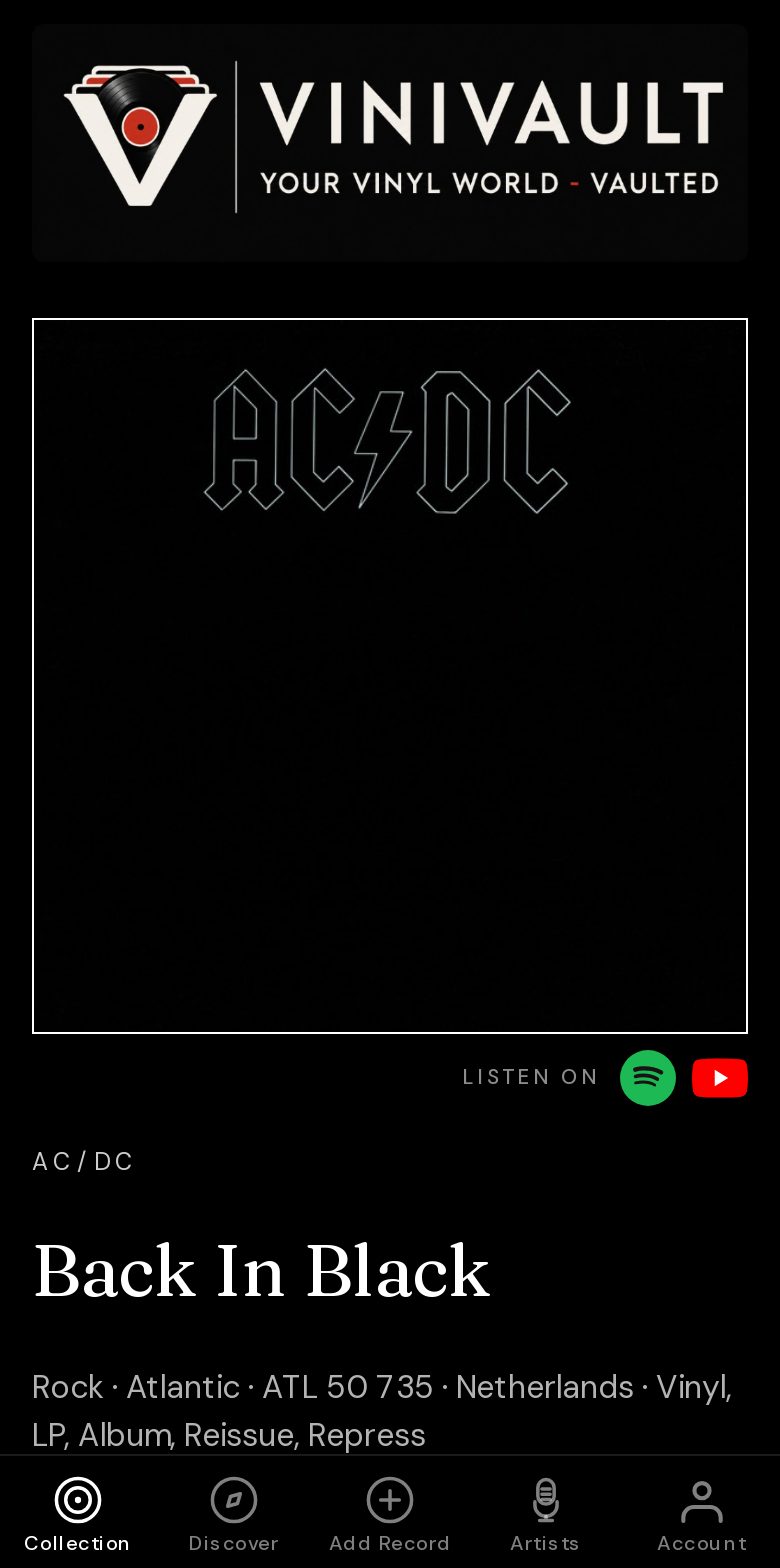
The right cover, or a blank
The sleeve should be the pressing you picked. A guessed cover from a different album, or from a hits compilation that merely contains the song, is worse than a placeholder. A blank square does not lie.
If you have a better photo, or the release has no image, upload your own. A picture of the copy on your shelf is the one you will trust a year later, especially when two editions share a title.
Sleeves are saved as a small image for the records you add or open. The catalogue is not a gallery of every record ever pressed. Your shelf shows the copies you catalogued.
How a sleeve is chosen
A photo you uploaded comes first. Then a sleeve already saved for that record. Then the image for the Discogs release you picked, which is the vinyl itself, and the master only if that release has no image. A MusicBrainz release can use the Cover Art Archive when it has a real identifier.
A title match from another shop is used only when the artist name and the album title match exactly. A near match is not close enough. If nothing qualifies, you get a designed placeholder, and you can upload a photo.
How this works in ViniVault
When you add or open a record, ViniVault stores a small sleeve for that copy and keeps it for the shelf. You can upload or remove it from the record page. The collection grid uses that saved image.
Pick the right pressing when you add the record. The sleeve follows that choice. Changing your mind later means editing the record, not hoping the picture guesses again.
Questions
- Will every record have a picture?
- Only when a real sleeve exists for that release, or you upload one. Otherwise you get a placeholder.
- Can I use a photo of my own copy?
- Yes. Upload it on the record page. That picture is the one the shelf will show.