
ViniVault/Shelf
Note vinyl care while you catalogue
Cataloguing is when you notice a dirty record or a split sleeve. ViniVault's care guide is there for that moment, and the note lives on the record.
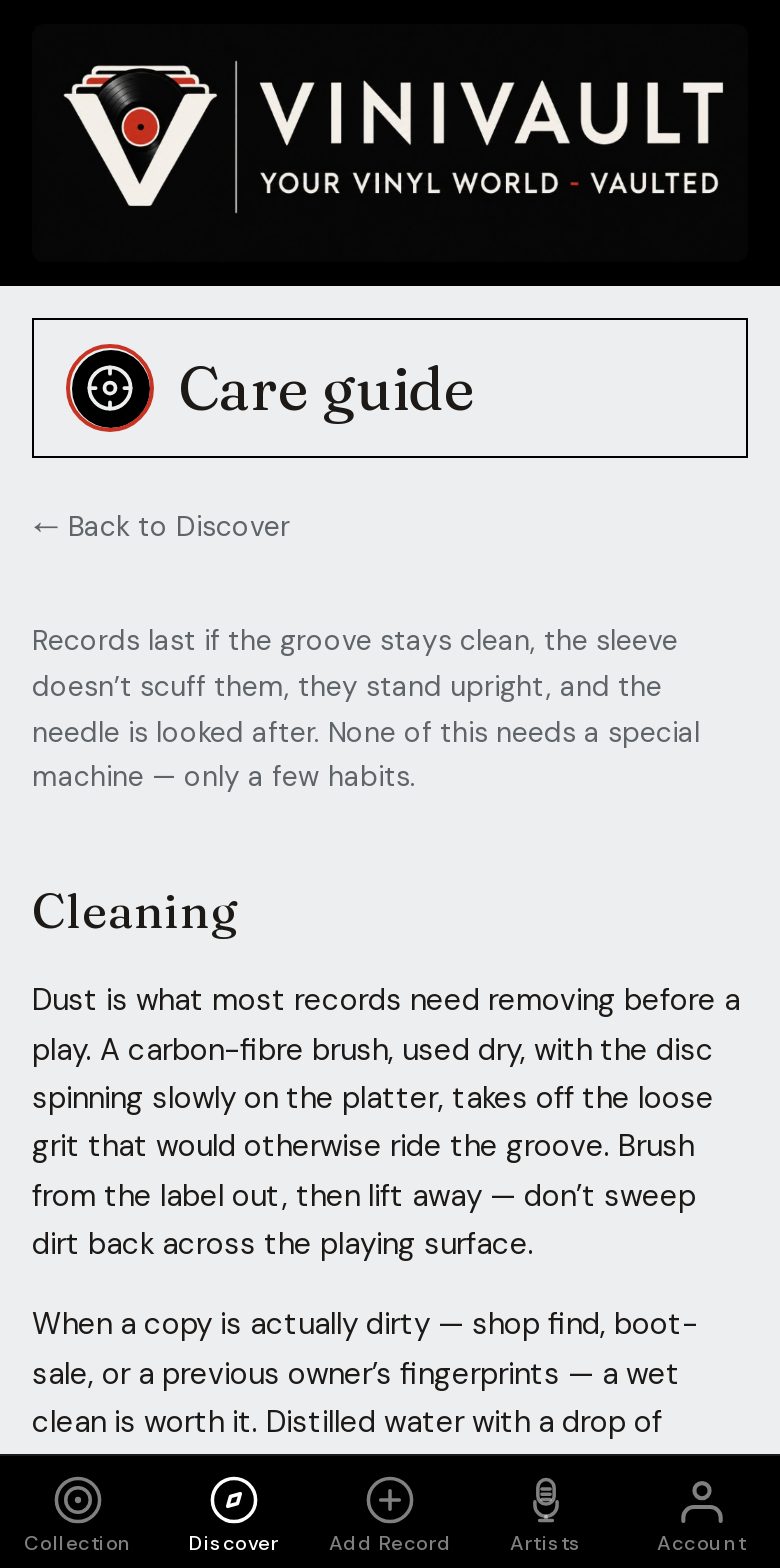
Clean, then write it down
A record you cleaned is a record you should mark, so you do not wonder later whether this was the dirty copy or the one you already dealt with. A sleeve that needs an outer is a one-line note.
Care is not a second catalogue. It is what you do so the catalogue still matches the object in five years: the same record, still playable, still the pressing you wrote down.
Cataloguing is when you notice the problem, because the record is already in your hands. That is the moment to write the fault, not the moment you next want to play it and find the split.
Advice in the app, notes on the record
The care guide in Discover is the general advice. The note on the record is the specific fact: cleaned on this date, inner sleeve replaced, writing on the label, do not play until the warp is checked.
Condition and the price you paid stay next to that note. A record you would not sell in this state can carry a typed price of your own, so the collection total does not pretend it is a tidy used copy.
How this works in ViniVault
Read the care guide after you sign in, then put anything specific in the note on that record. You do not have to finish every record. Mark the ones that need it.
This guide page does not sell cleaning kits. It is about keeping the catalogue honest while you look after the vinyl.
Questions
- Does the app sell cleaning kits from this page?
- No. This is the catalogue. Care advice sits inside the app after you sign in.
- Will a note that I cleaned a record change its value?
- No. The note is for you. Type a price only if you want your own figure to replace the guide.