
ViniVault/Hunting
Check whether you already own a record
The expensive mistake is buying a record that is already at home. ViniVault includes Do I own it? for that moment in a shop.
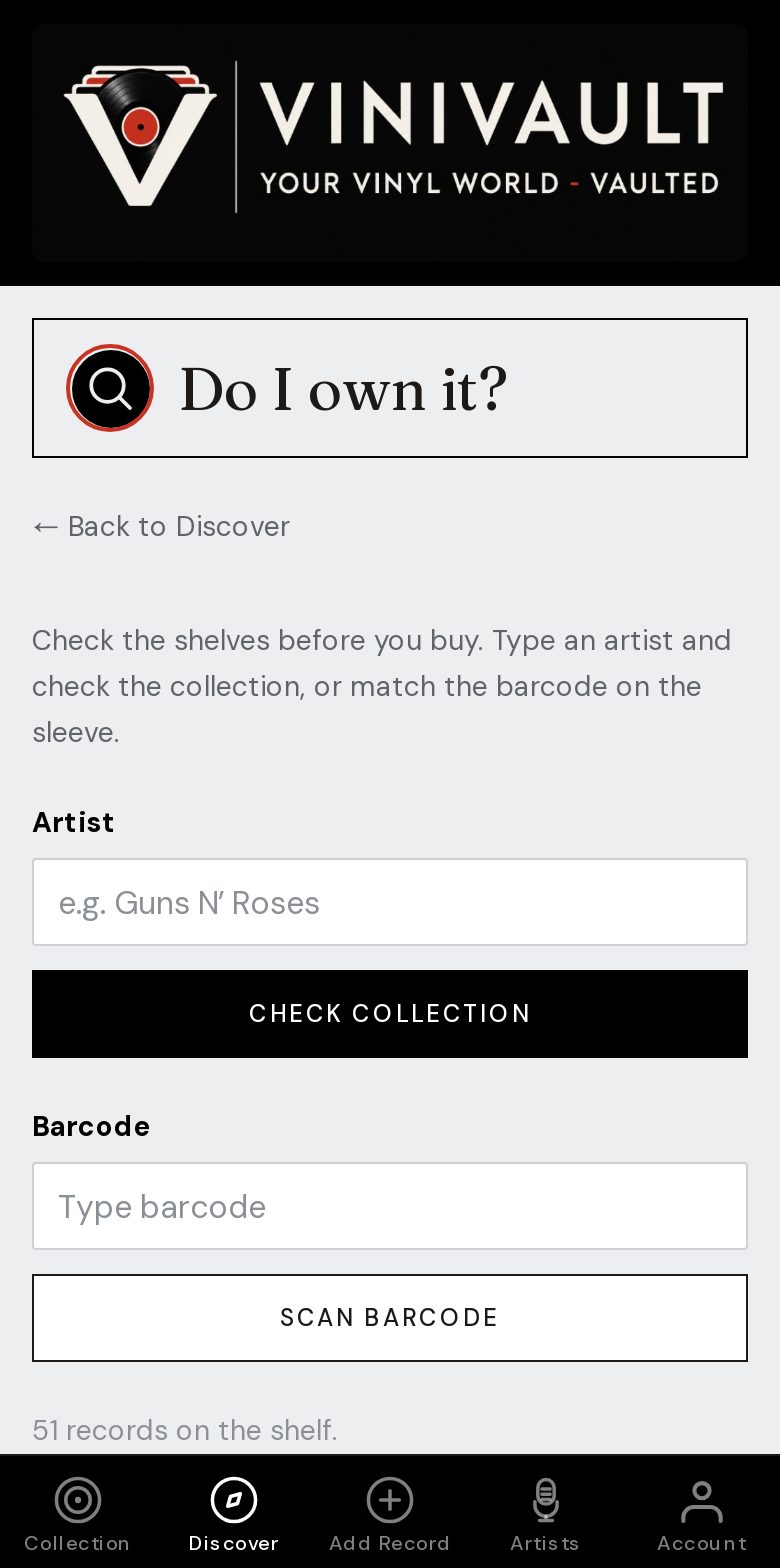
Check before you pay
Similar titles and best-ofs cause most of the mistakes. Search the artist and the album, not a fragment of the title that could match three different records.
A record on the wishlist is one you want. A record on the shelf is one you have. The check should show you which list it is on, because 'I know that sleeve' is not the same as 'it is at home'.
The expensive mistake is paying for a copy that is already on the shelf, or walking past a want because you were sure you owned it. Two seconds with the catalogue is cheaper than either.
Use it where the money changes hands
Open it in the shop, at the fair, or beside a crate. Add ViniVault to the home screen before you go, and open it once while you still have a connection, so the shelf is ready if the signal drops.
If the answer is that you own it, put the record back. If the answer is that it is on the wishlist, you have found a target. If it is on neither list, it is a new decision, and you can add it when you get home.
How this works in ViniVault
Open Do I own it? from Discover and type the record you are holding. The collection and the wishlist are both checked. The same account works on the phone and on the computer.
A match on the title is a prompt to look at the pressing. Catalogue number and label still decide whether it is the copy you meant.
Questions
- Does this work at a record fair?
- Yes, on your phone, as long as you can open the app. Add it to the home screen before you go, and open it once on the way in.
- Does a match mean it is the same pressing?
- It means that artist and album are already in the vault, on the shelf or the wishlist. Check the label before you treat it as the same object.