
ViniVault/Hunting
A crate digging list on your phone
Take the list with you. It is easy to buy a record you already own, or to walk past one you went looking for. ViniVault keeps both lists on your phone.
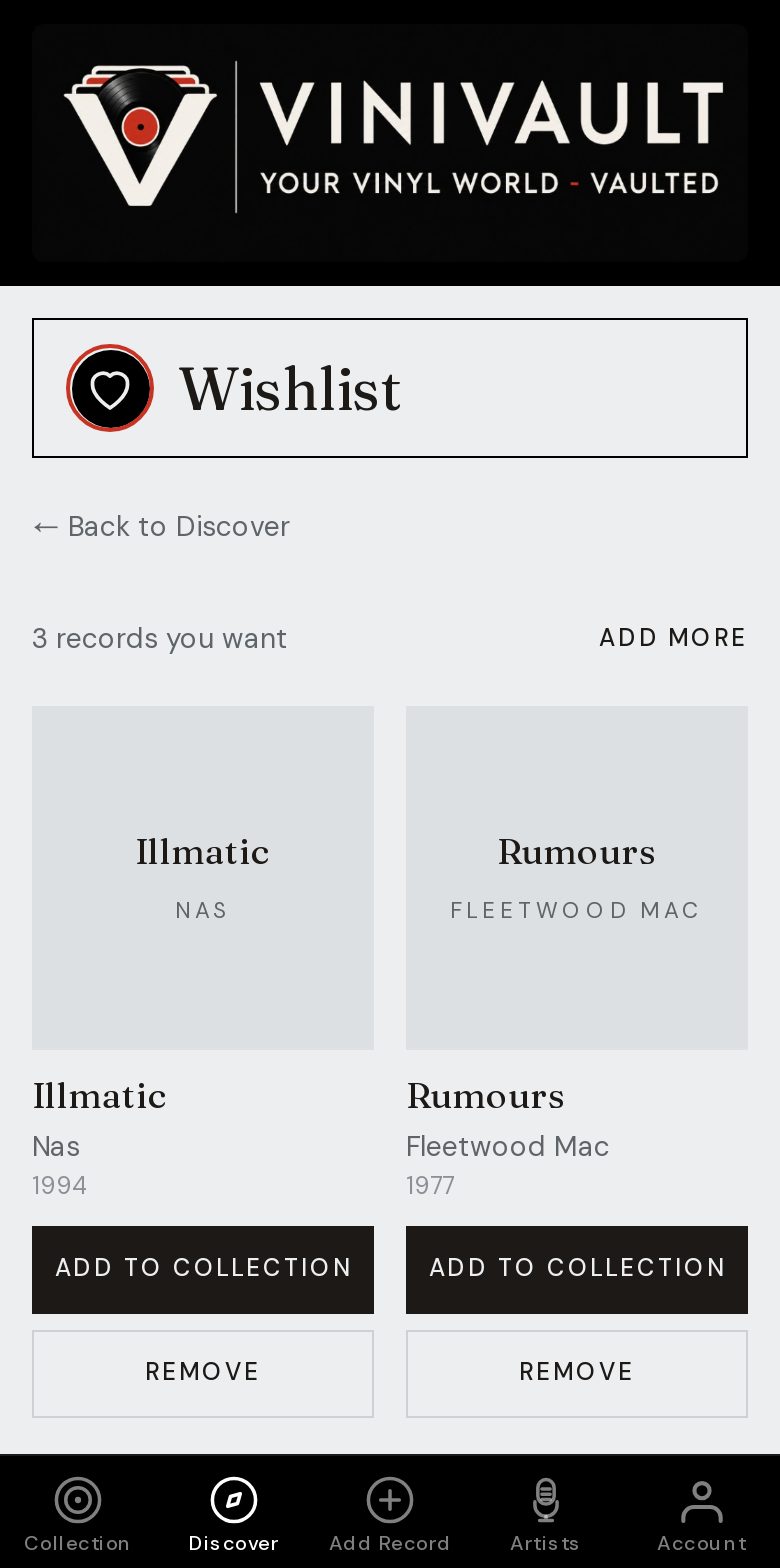
Dig with a catalogue open
Check the famous titles so you do not buy them twice. Check the wants so you do not walk past them. The crate will not remind you. The phone will, if the list is open.
The records you did not expect still get bought. That is the point of digging. Add them when you get home, while you remember the price and which box they came from.
A list does not have to be long. The records you would be annoyed to duplicate, and the records you went looking for, are enough. Everything else can be a pleasant surprise.
Before you go in
Sign in, and add the app to the home screen if it is not there already. If the shop has a weak signal, open ViniVault while you still have a connection, so the shelf is on screen before you reach the first box.
In the crate, use Do I own it? or search the shelf. At home, add the new records and type what you paid. A price left blank will fall back to a market guide, which is not the same as the money you spent in that shop.
How this works in ViniVault
Take the wishlist and the collection with you on the phone. They stay separate, so a want is not counted as a record you own, and a record you own is not still on the hunt.
Write a pressing note on any want where the edition matters. A crate is a bad place to reconstruct a catalogue number from memory.
Questions
- What if the shop has no signal?
- Open the app before you go in, while you still have a connection, so the shelf is on screen.
- Should I catalogue the finds in the shop?
- You can, if it is easy. If the queue is moving, add them the same day at home, with the price, before the afternoon blurs.