
ViniVault/Discogs
Catalogue vinyl without a public profile
You can catalogue a collection without putting it on a public page. ViniVault keeps the shelf inside your account.
No public collection page
Some collectors do not want their shelf, their spending, or their want list visible. A private vault is the simpler shape. There is no public collection page for other people to open.
You can still identify records using public catalogues while you add them. Identification and publication are different steps. Looking up a pressing does not mean you have to store the collection in the same public place.
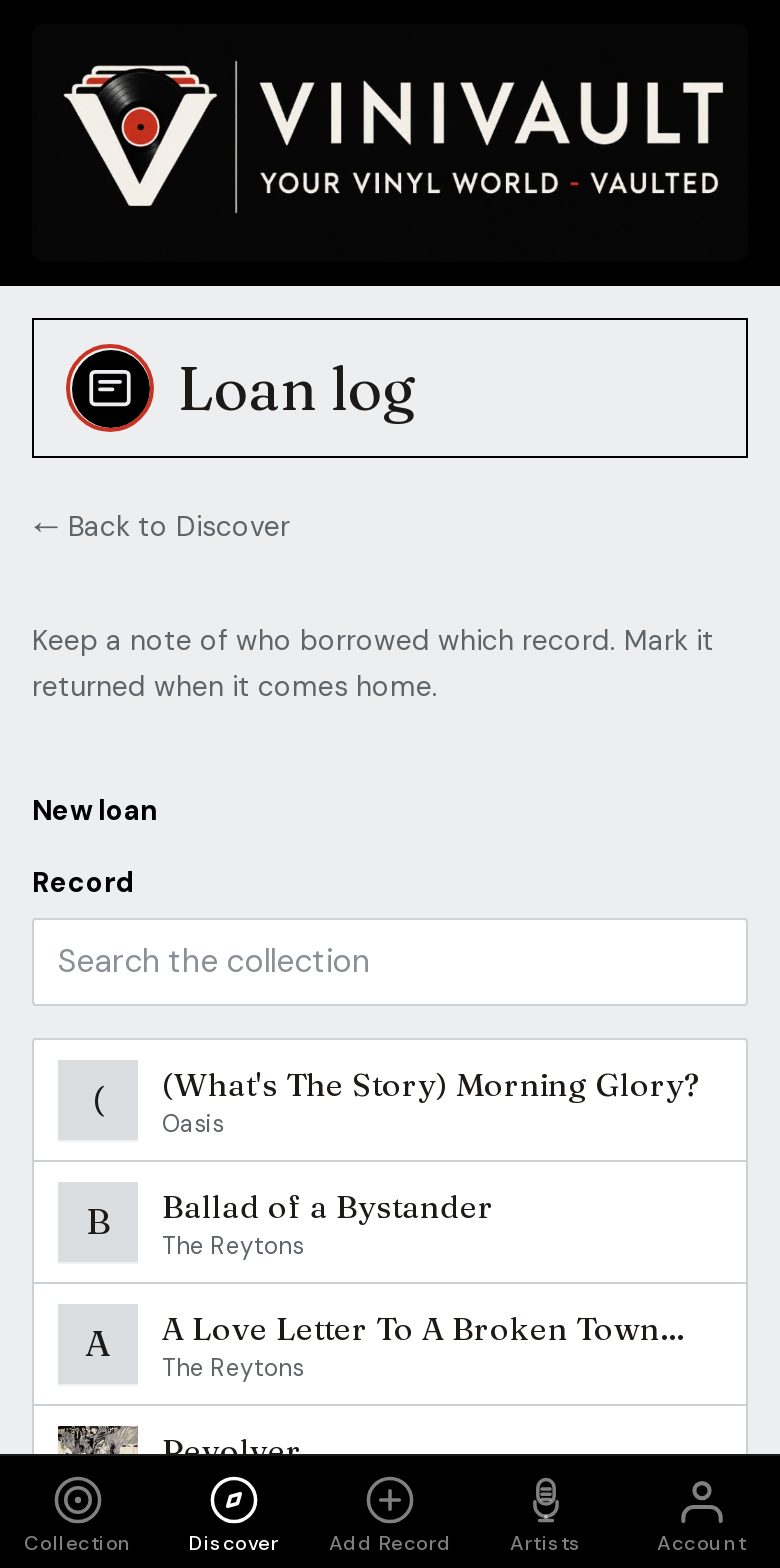
Privacy covers the details that make a catalogue personal: the price you paid, the condition, who borrowed a record, and the notes you would not put on a profile.
An account is not a public page
Creating an account gives you a sign-in. It does not give the rest of the internet a page of your records. These guides are public so the app can be found. The vault behind Sign in is not.
If you later want a file for yourself, export a CSV from Account. That download stays with you. It is not a published list.
How this works in ViniVault
Create an account and add records by search, barcode, or by hand. Only a signed-in session sees the shelf. Discogs import is optional if you already have a collection elsewhere and want a private copy.
Each account is its own vault. Another ViniVault user cannot browse yours, and you cannot browse theirs.
Questions
- Do I need a Discogs account to use ViniVault?
- No. Discogs import is optional. You can catalogue from scratch.
- Can someone find my shelf from these pages?
- No. The guides explain the app. Your records appear only after you sign in to your own account.