
ViniVault/Discogs
Take a Discogs collection onto your phone
If the collection already lives on Discogs, you can bring the vinyl into ViniVault and open it as a private shelf.
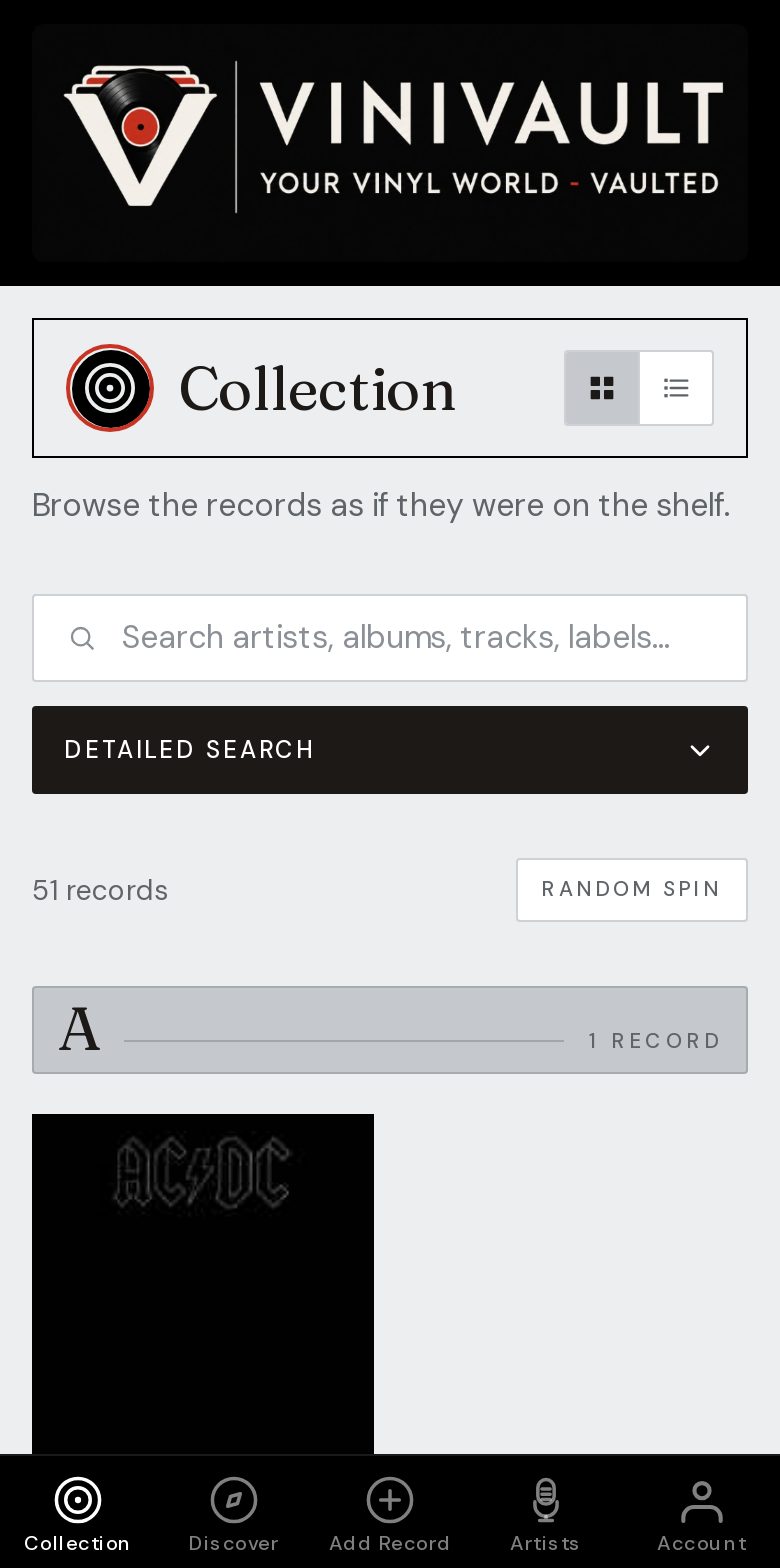
A phone list of records you already catalogued
Discogs is a strong place to identify pressings. A private app is a calmer place to stand in a shop and scroll your own records, without opening a public profile over the counter.
You do not have to abandon the Discogs collection. Many people keep both: one public, one private. They do different jobs, and neither has to be deleted for the other to be useful.
The phone copy is a snapshot from the import, plus whatever you add afterwards. It does not silently rewrite itself every night. New purchases need adding where you want them kept.
Bring the records across, then check a few
Import the vinyl, then spot-check the odd pressings: the box sets, the promos, the records where you know the sleeve in your hand is not the obvious reissue. A first pass that gets the titles in is more useful than a perfect import you never start.
Sleeves are saved as the records land, so the phone shelf is readable. Notes and the price you paid are added in ViniVault. They do not need to be published back to Discogs.
How this works in ViniVault
Create a ViniVault account, sign in, and start Discogs import from Account. The free shelf holds 100 records. An import that would pass that line stops and tells you. A larger import needs Pro at £1.99 a month.
The import does not delete your Discogs collection, and your ViniVault notes do not appear on Discogs. You can keep logging new records in either place, or in both.
Questions
- Does the import delete my Discogs collection?
- No. ViniVault makes its own copy of the shelf. Discogs stays as it is.
- Will new Discogs additions appear in ViniVault on their own?
- No. The import is a copy at the time you run it. Add later purchases where you want them kept.