
ViniVault/Discogs
Keep a second copy of a Discogs collection
Keep your own copy of the collection, on a private shelf, and download a file of it when you want one. ViniVault can hold that copy.
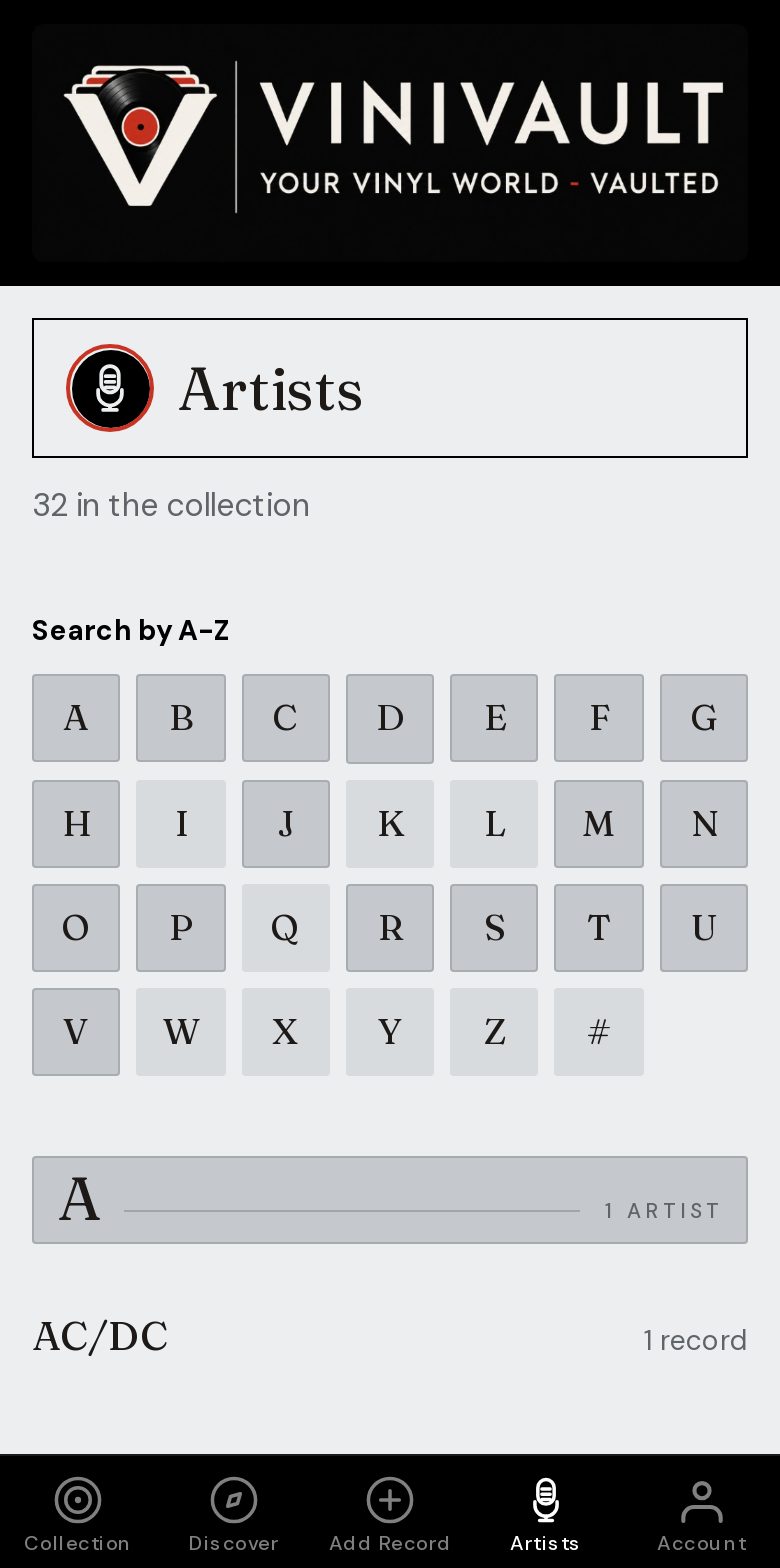
Why a copy is worth having
Public sites change, accounts get locked, and exports get postponed. A shelf you can open on your phone is a practical second copy, because it does not depend on you remembering to download a file.
The copy should include the sleeve. A bare title list is hard to trust a year later, when two editions of the same album look identical as text and nothing like each other as objects.
A second copy is not a live mirror. It is the collection as imported, plus the records you add afterwards. That is still a copy you control, which is the point.
A phone shelf and a file
Import into a ViniVault account so the records are there when you sign in. Export a CSV from Account if you also want a file that sits outside the app, with household papers or in a spreadsheet.
Then add new purchases as you buy them. If you only import once and never add again, the second copy slowly becomes last year's shelf. The habit is the import, then the new records.
How this works in ViniVault
Import from Discogs into your vault. Sleeves are saved as the records land. The Discogs collection is not deleted, and the import does not run itself every night.
A free shelf holds 100 records. A larger copy needs Pro at £1.99 a month. Either way, the vault is private.
Questions
- Is the second copy automatic every night?
- No. Import when you want the Discogs collection copied across, then add new records as you buy them.
- Does the copy include my Discogs notes?
- You get the records in your vault, with sleeves. Notes and the price you paid are added in ViniVault, and they stay there.